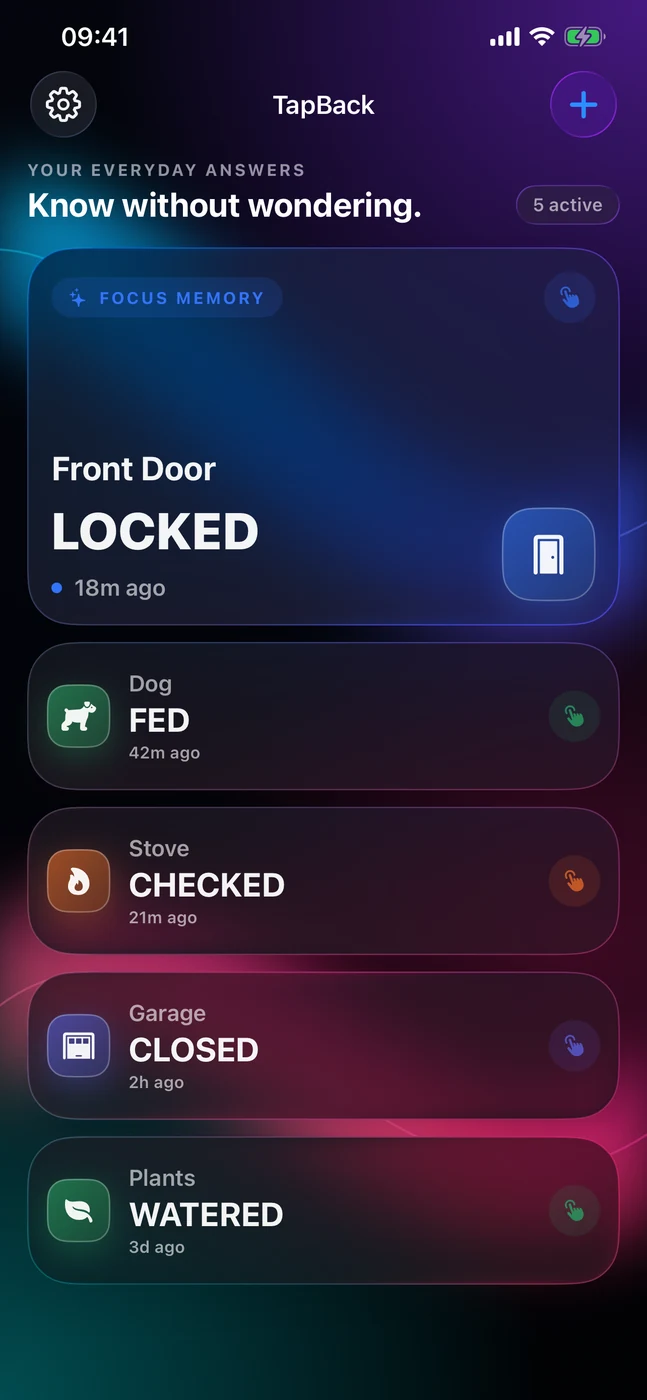
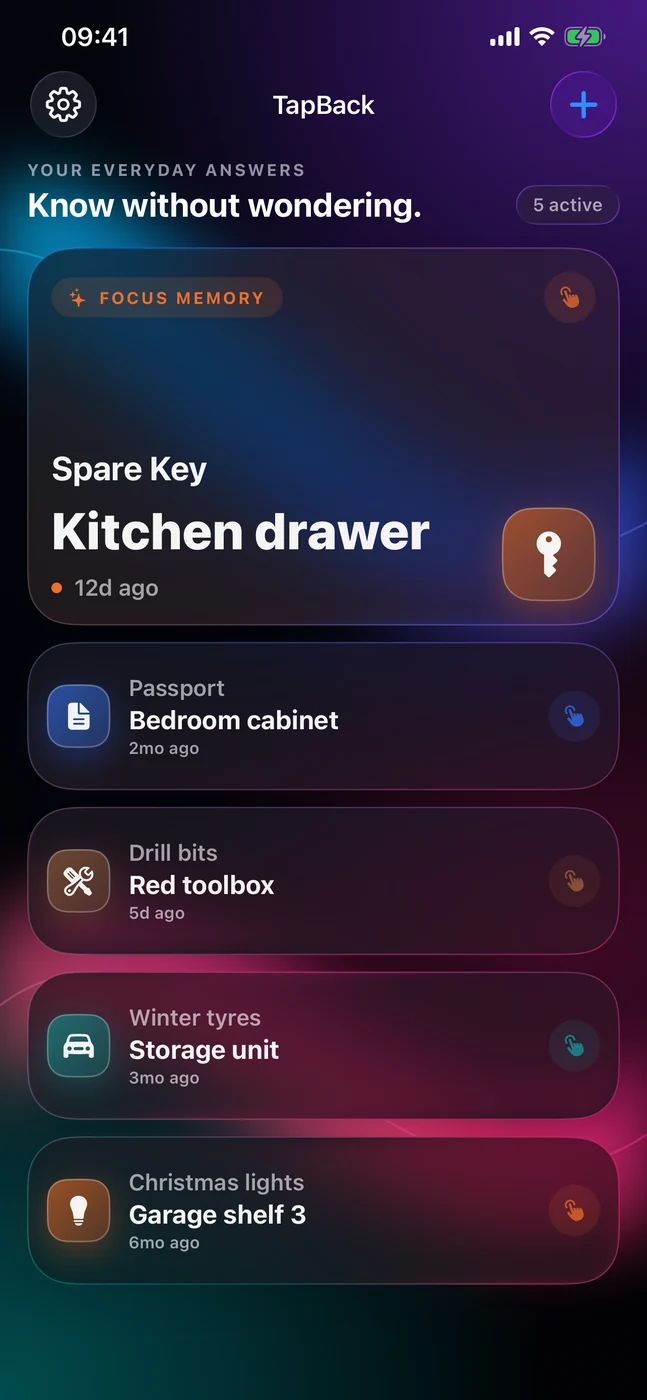
TapBack is a one-tap external memory for tiny real-world facts: did I lock the door, is the dog fed, when did I last change the filter, where did I put the spare key. Set a card up once; after that, remembering is a single tap.


Inside TapBack
See it in action.
Features
What TapBack does.
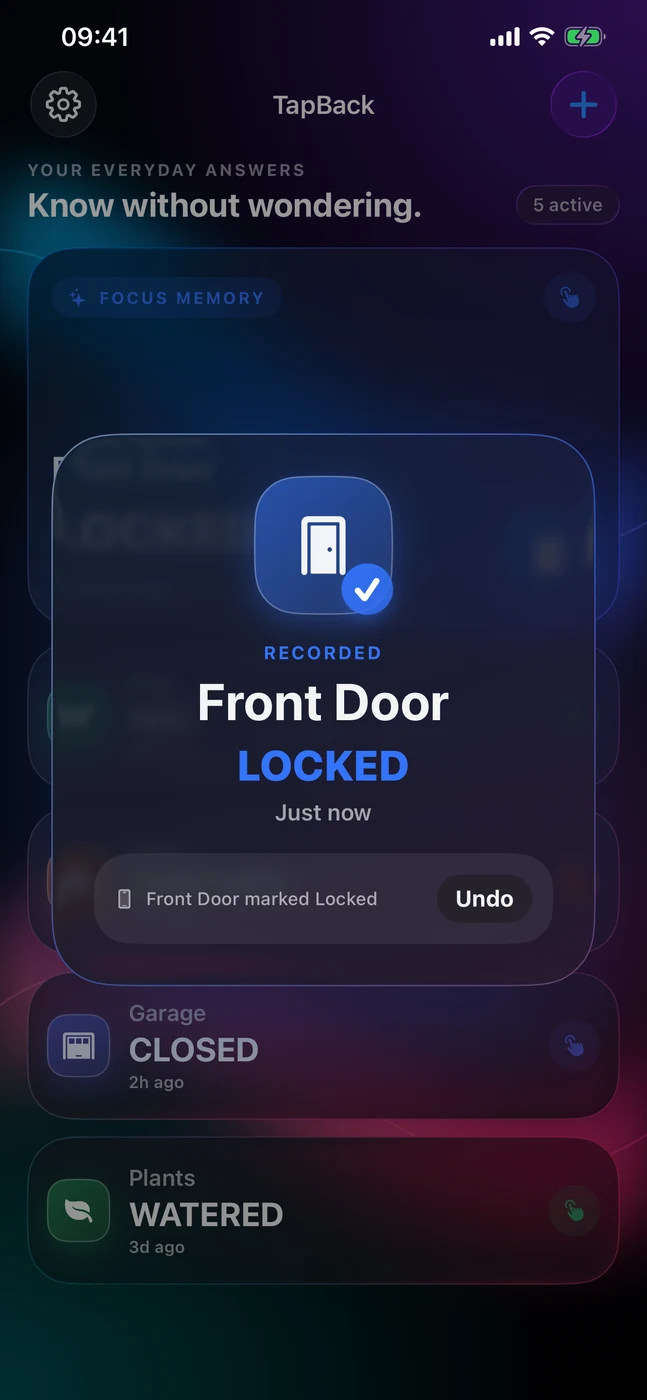
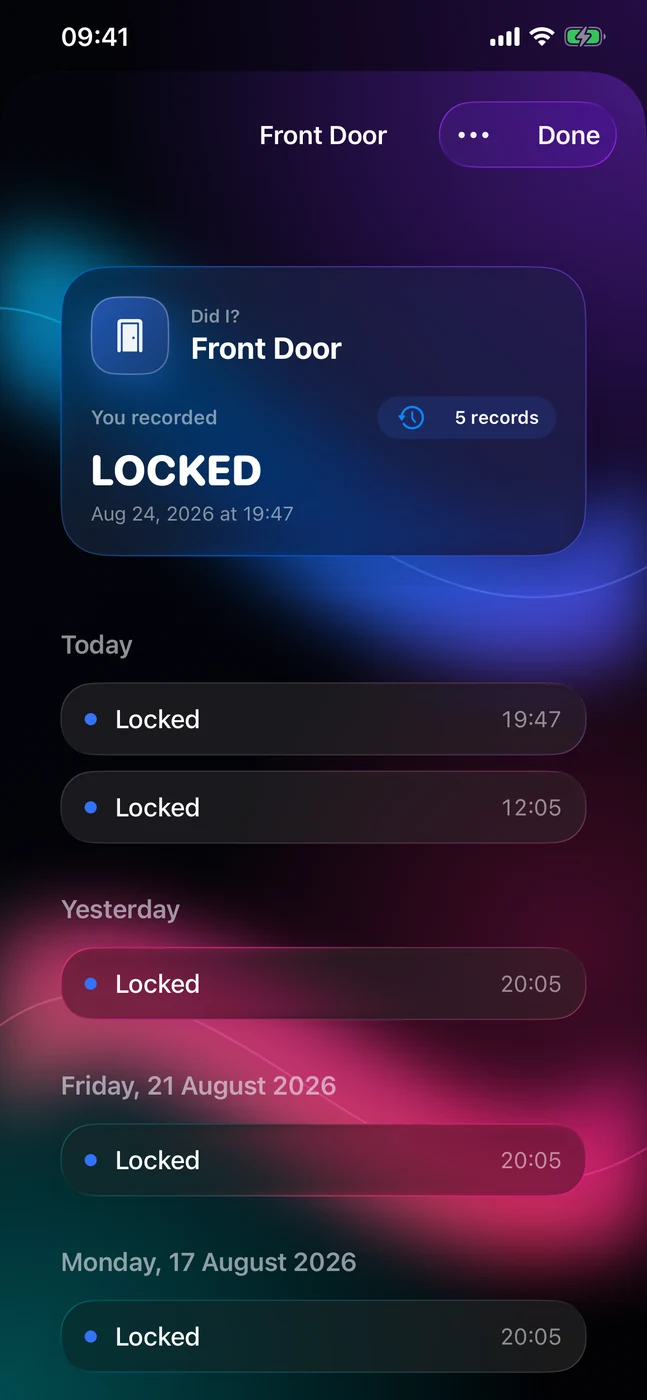
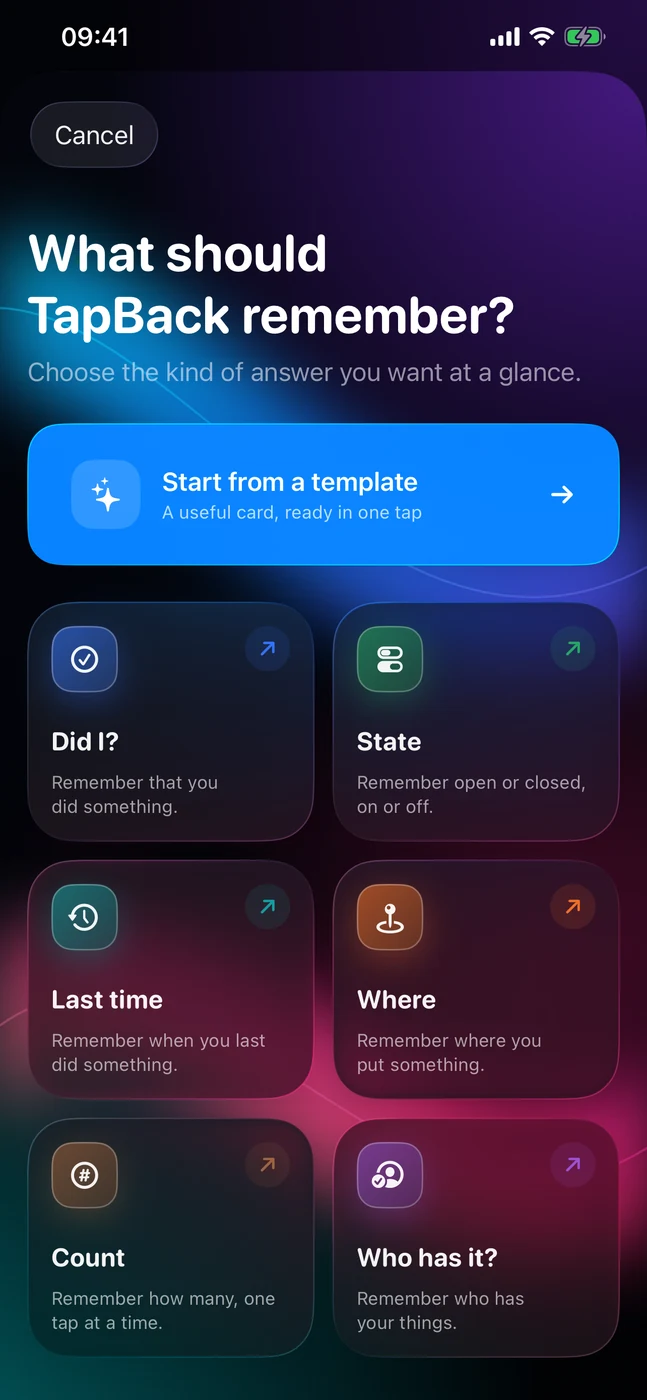
Six memory types share one event model, so the app is one event engine with six presentations rather than six mini-apps. Every tap is recorded with a visible undo, and history is append-only.
- 01
Six memory types
Did I?, State, Last time, Where, Count and Who has it, all built on the same event model.
- 02
One tap records
No confirmation step and no save button. A five-second Undo reverses any mistake.
- 03
Honest history
Every card keeps an append-only history; deleting a row recomputes the current value.
- 04
Human relative times
Just now, 2 hr ago, Yesterday at 21:14, 4 days ago, in your locale.
- 05
Your way
Starter templates for every card type. The unlock adds an icon picker, an eight-colour accent palette and your own card order.
- 06
Private by construction
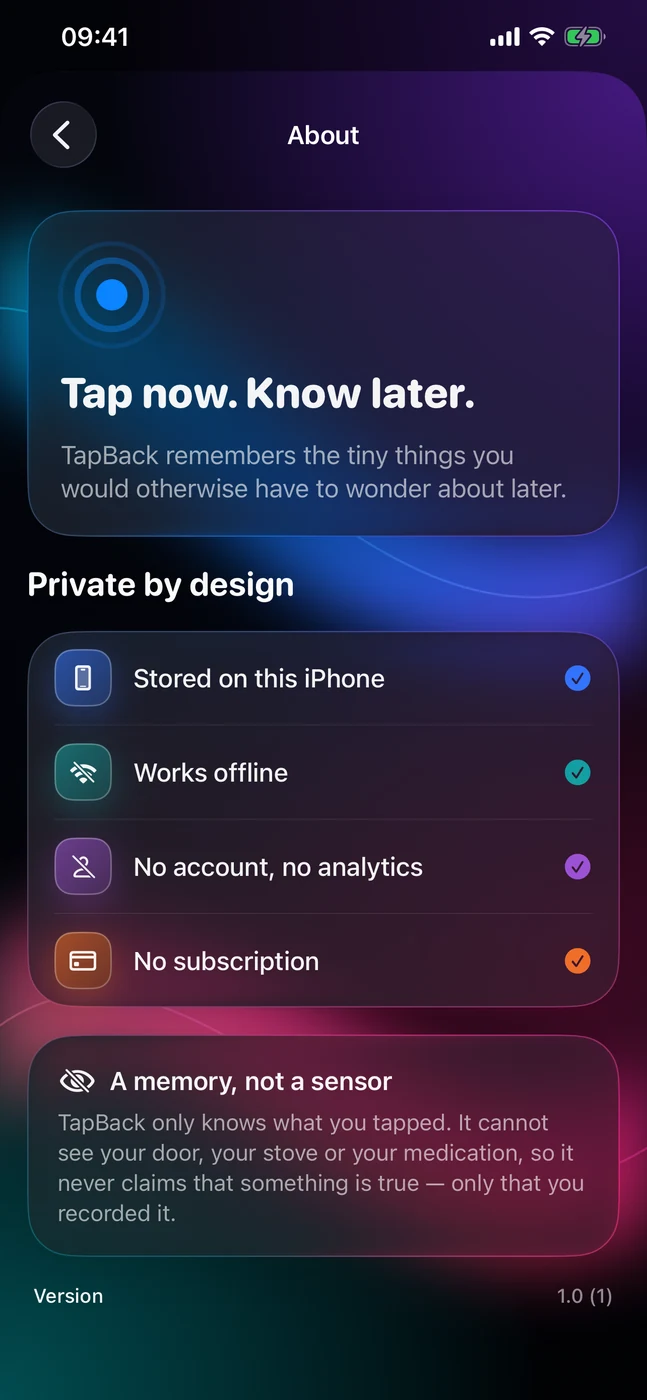
Local storage only, no permissions prompts, VoiceOver and Dynamic Type throughout.
Does TapBack need an account or internet? No. There is no account, analytics or advertising, and it works with the network switched off. It contacts the App Store only for the optional unlock; your cards and history never leave the device.
Is TapBack free? Yes. It is free to download with up to 3 cards on Home and every card type, template, history and undo. A one-time in-app purchase unlocks unlimited cards, any icon and colour, and your own card order. There is no subscription, and the unlock works with Family Sharing.
- Platforms
- iOS
- Category
- Productivity
- Languages
- English
- Built with
- SwiftUI, SwiftData
Privacy & support
More from Cevlin