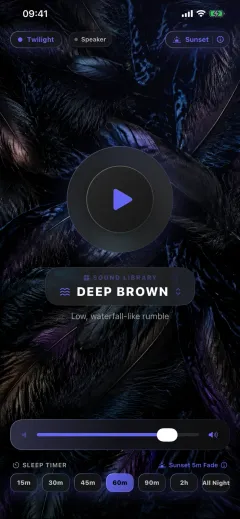
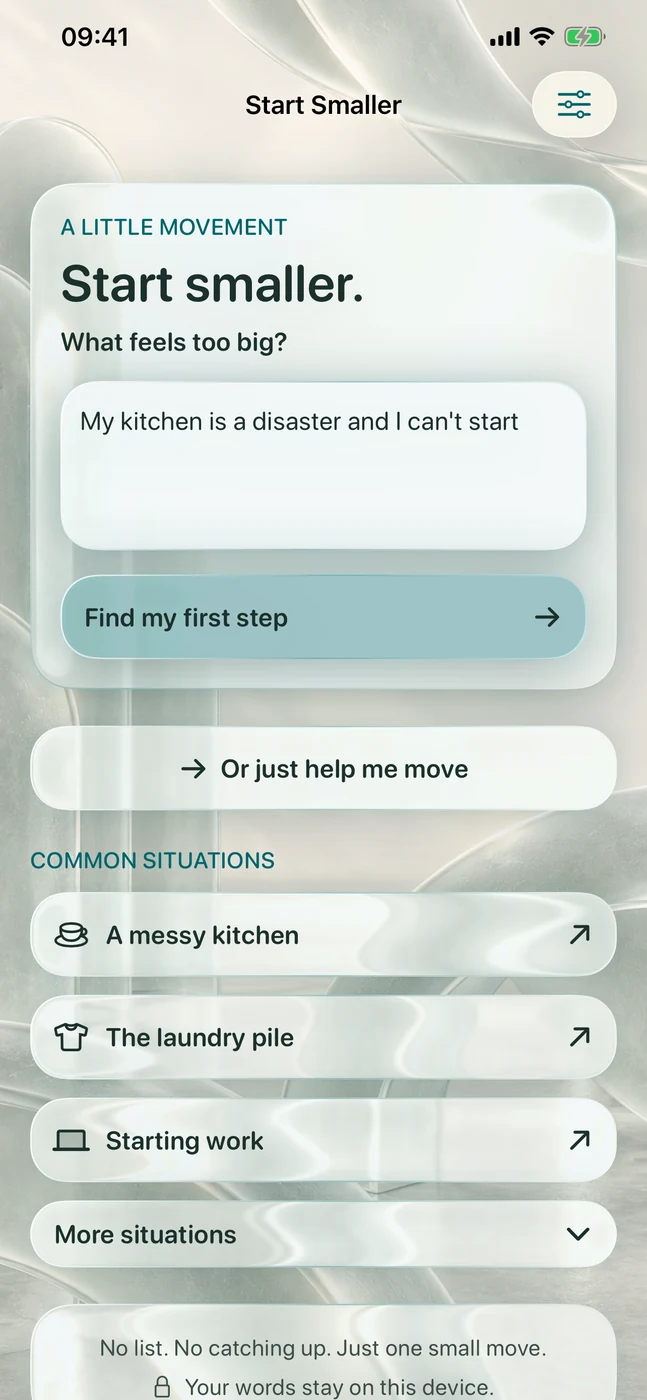
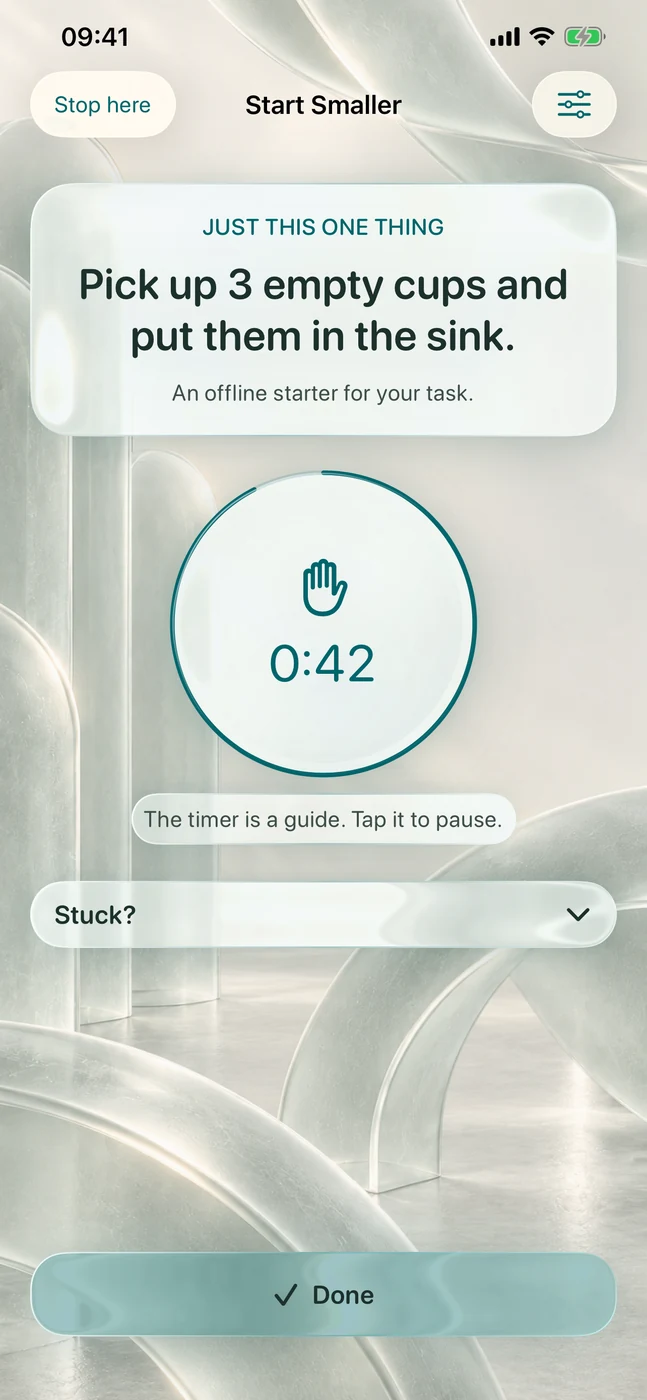
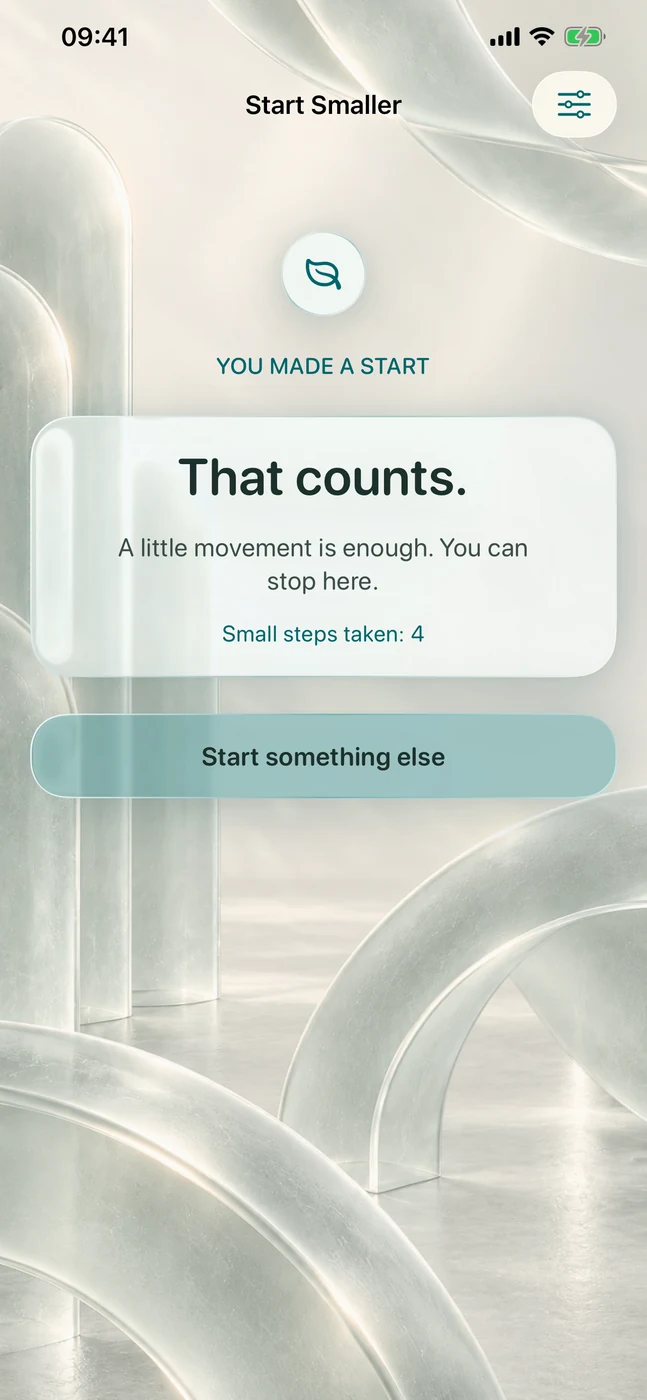
Start Smaller is for moments when a task feels too big to start. Write what is in the way in your own words, and the app turns it into one small physical step, shown on its own with a gentle timer that never moves on without you.

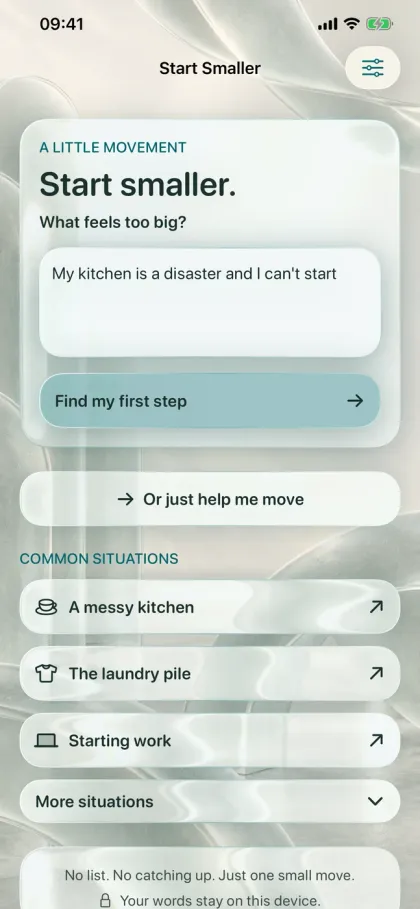
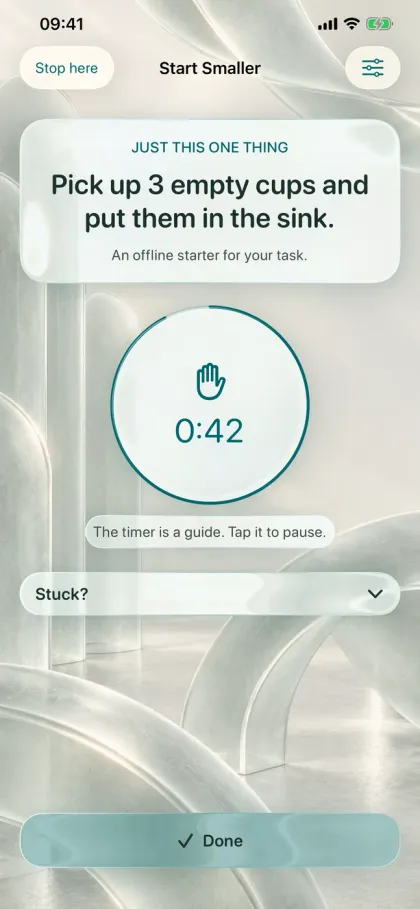
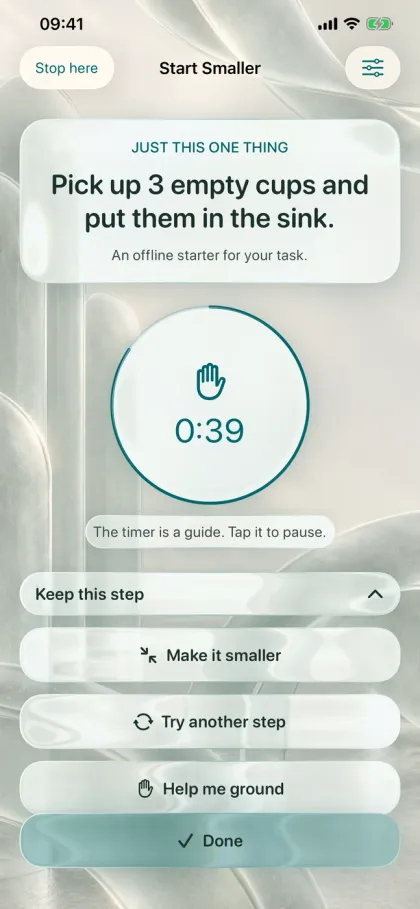
Inside Start Smaller
See it in action.
Features
What Start Smaller does.
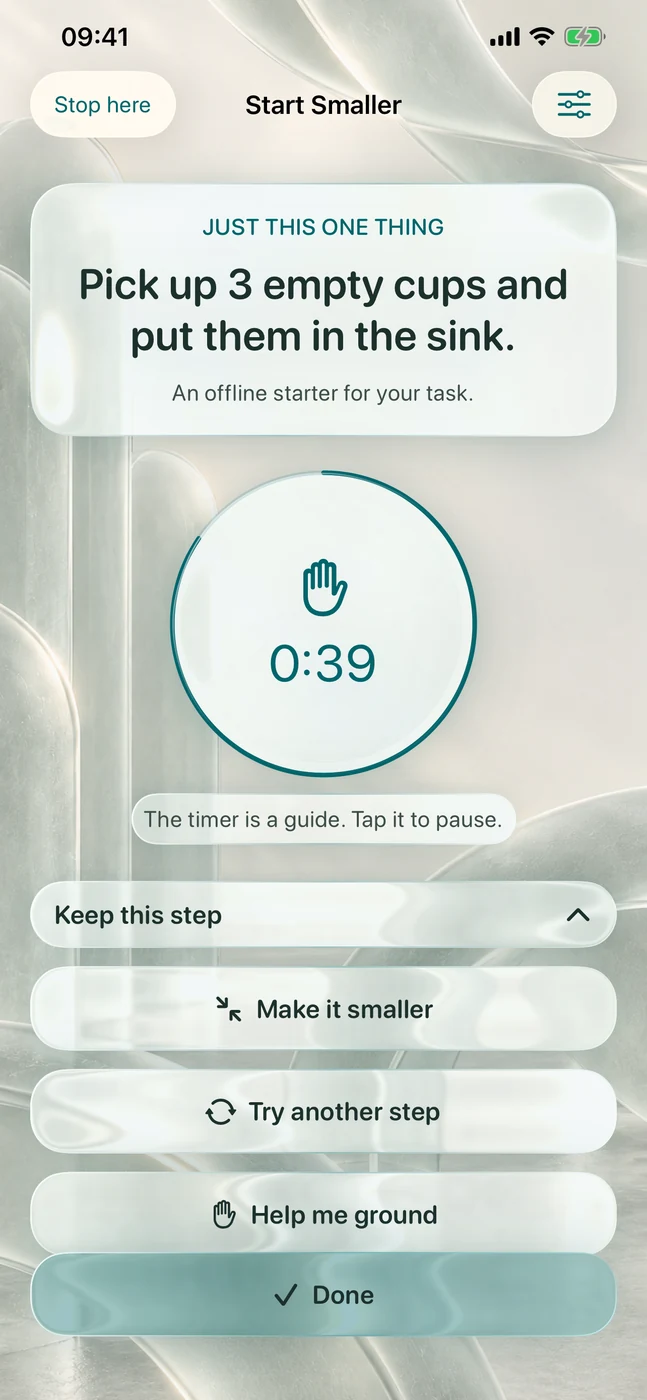
If a step still feels like too much, make it smaller, try another one or take a moment to ground yourself. Ready-made first steps cover 25 everyday situations, and on iPhones with Apple Intelligence turned on, steps can be tailored to what you wrote, entirely on the device.
- 01
One step at a time
Never a list. Tap Done when it is done, or tap the timer to pause.
- 02
Make it smaller
Shrink a step, swap it for another or take a grounding moment.
- 03
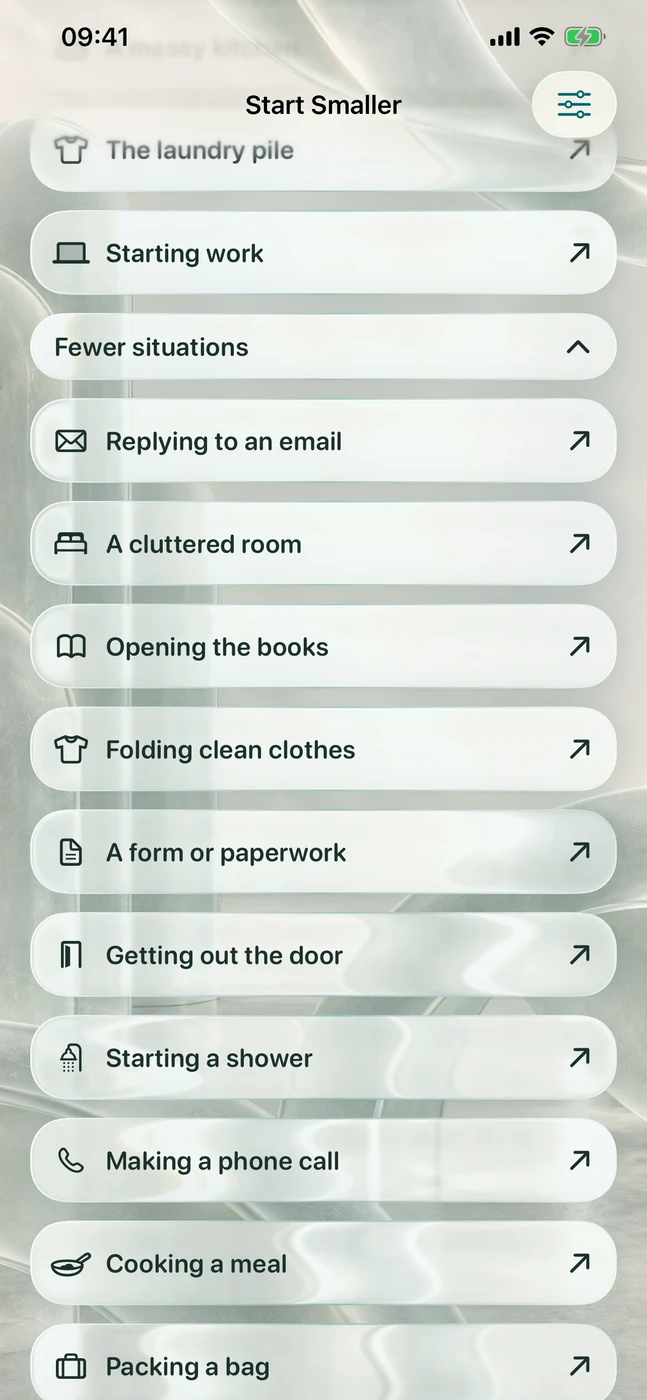
25 everyday situations
Ready-made first steps for the kitchen, laundry, email, phone calls, bills and more. Three are free; the unlock adds the rest.
- 04
On-device suggestions
With Apple Intelligence on, steps tailored to what you wrote, processed on the iPhone.
- 05
Lock Screen step
The current step stays on the Lock Screen and in the Dynamic Island, with a Done button.
- 06
Gentle senses
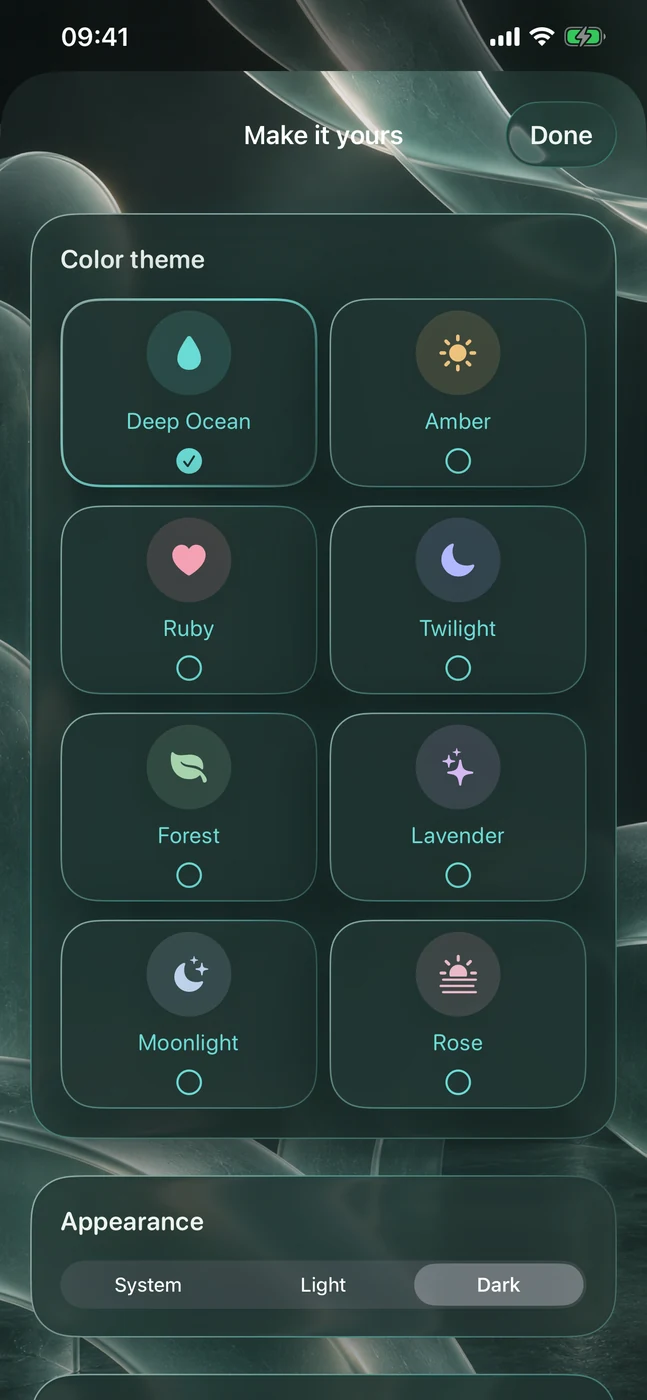
Optional soft haptics, light or dark appearance and eight colour themes, one free and all eight with the unlock.
Does Start Smaller keep a to-do list? No. There are no lists, streaks, accounts, analytics or ads, and the app works offline. It is a self-help tool for getting started, not a medical device.
Is Start Smaller free? Yes. Typing your own task, quick start, three ready-made situations, smaller steps, grounding and the Lock Screen step are free with no limit. A one-time in-app purchase unlocks all 25 situations, all eight colour themes and your own pulse pace, and it works with Family Sharing. Crisis support and turning the pulses on or off are always free.
- Platforms
- iOS
- Category
- Productivity
- Languages
- English, French, Italian, Japanese, Portuguese, Spanish
- Built with
- SwiftUI, ActivityKit, WidgetKit
Privacy & support
More from Cevlin